Create Project
To deploy services on Zeabur, you need to create a project first.
You can follow the steps below to create a project.
What is a project
A project is a collection of services that are deployed together, services in the same project can communicate with each other with internal network. You can create multiple projects in different regions and deploy kinds of services in each project.
Besides, you can set the budget and manage the usages for project, invite other team members to manage the services and so on.
How to create a project
Zeabur is phasing out shared clusters. New projects can only be created on Dedicated Servers. For more details, see the changelog.
First, you need to navigate to the dashboard’s projects page.
If you are new to Zeabur without any project, you will see an onboarding page to create your first project.
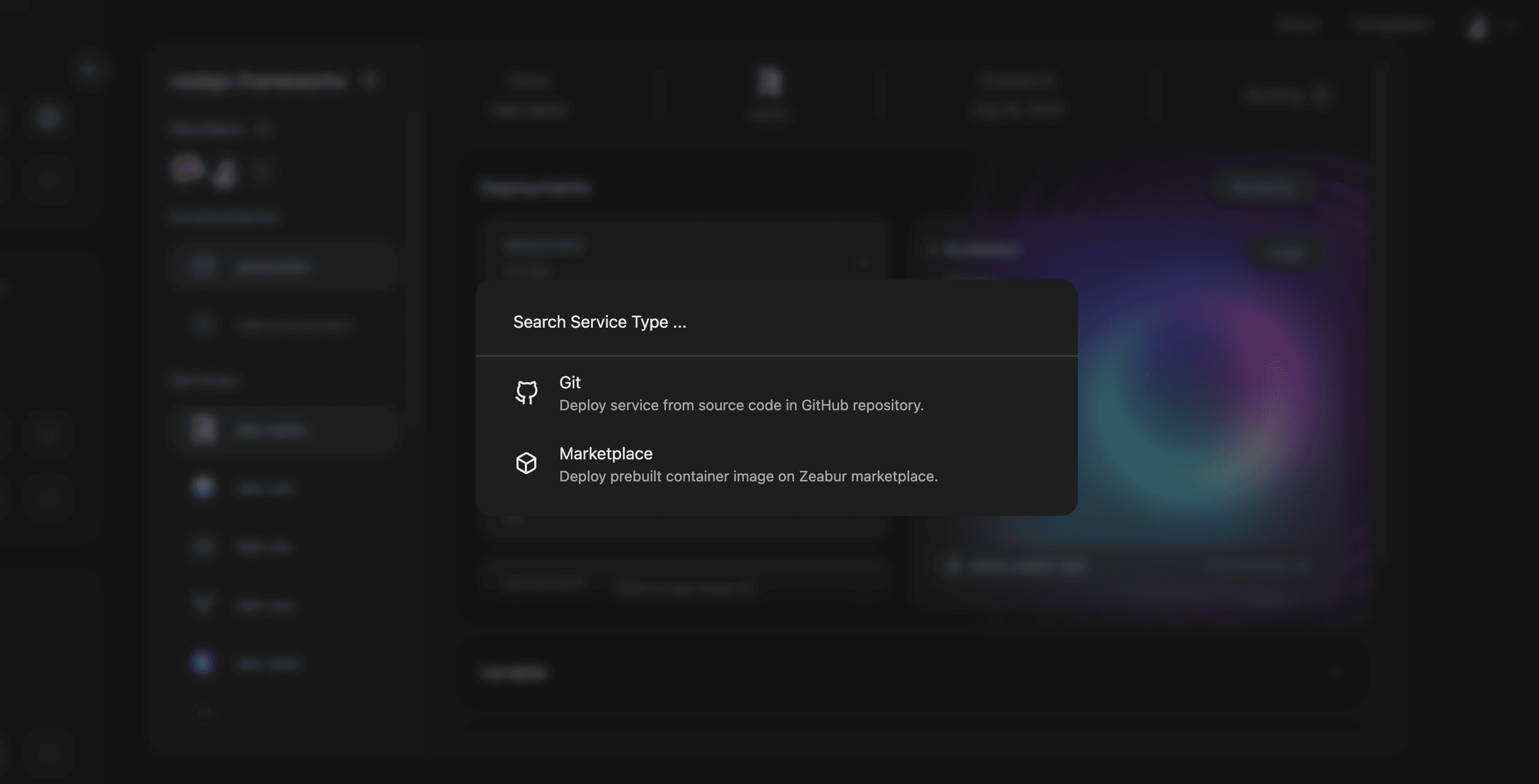
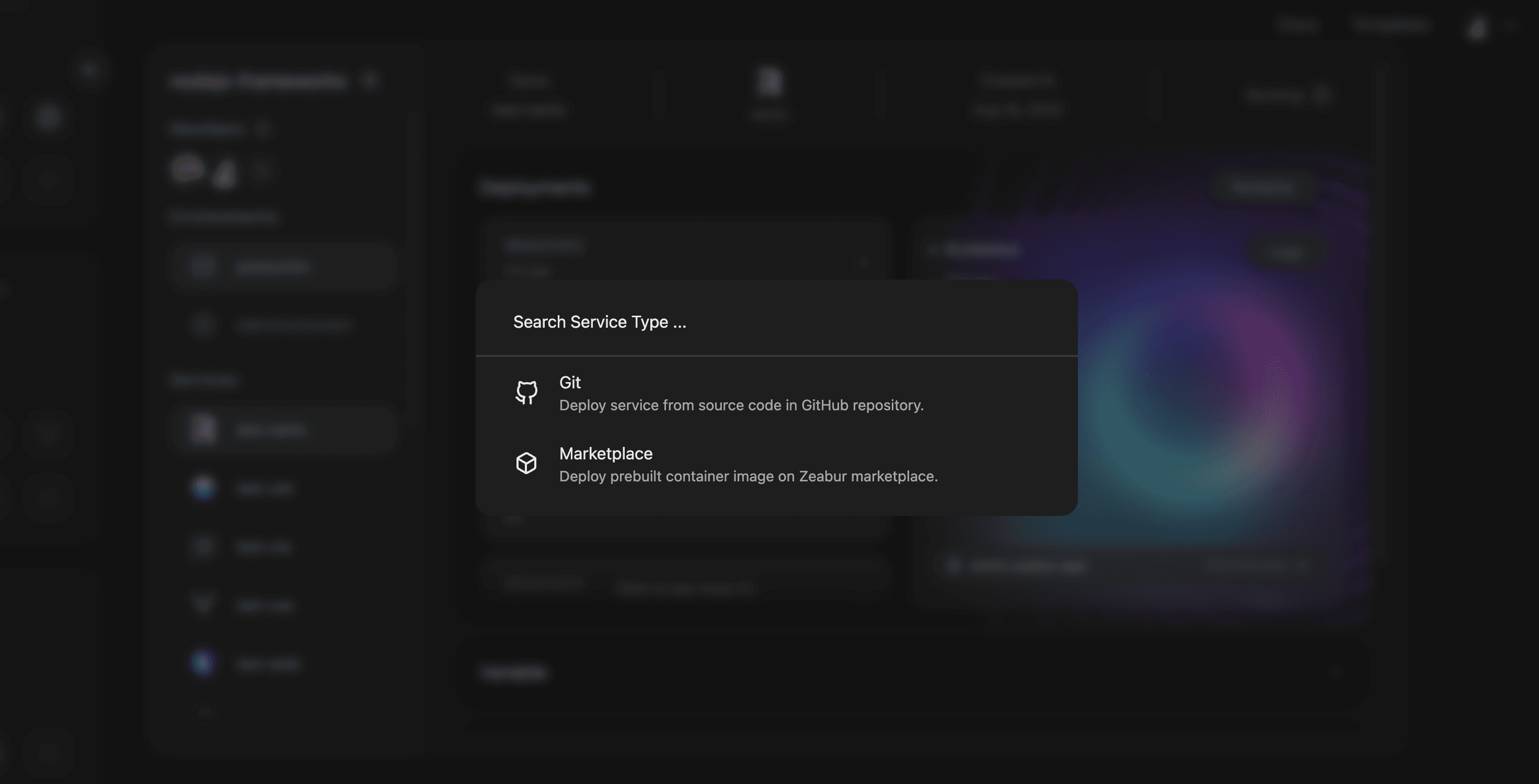
If you’ve created projects before, you can click on the Create Project button or press CMD + K or Ctrl + K to open the command palette to select Create Project. Select a dedicated server you already own, or choose Buy New Server to purchase one, or Bind External Server to connect your own server via SSH. Then click Create Project to finish.
What’s next
You will see an empty project after creation:
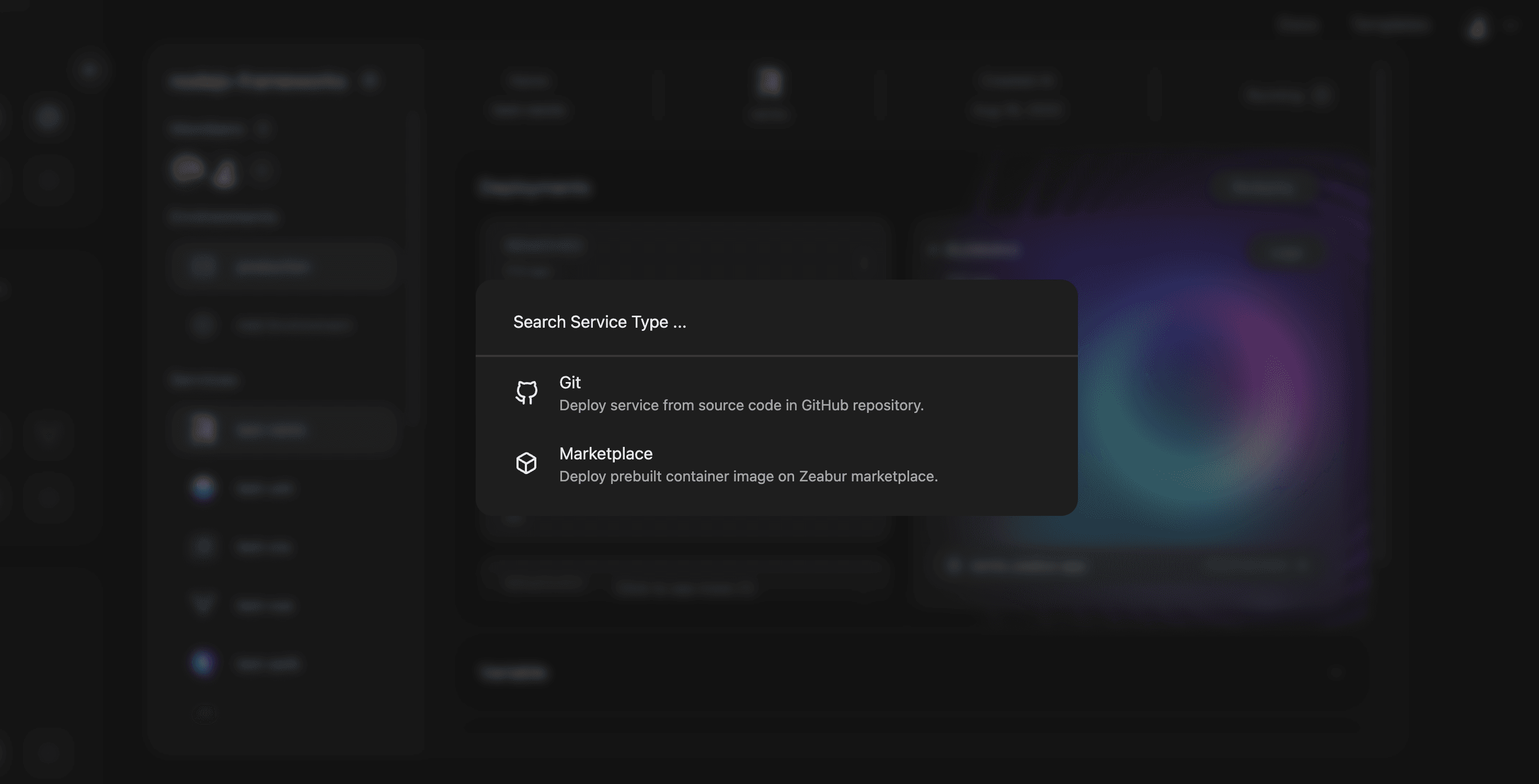
You can click on the Deploy New Service button to deploy a service in this project, or click on the config button to manage the project settings and invite team members.