Quick Start
This guide walks you through your first deployment in under 5 minutes. If you’re not sure where to begin, check out Start by Need to find the best path for you.
Prerequisites
| Item | Description |
|---|---|
| Zeabur Account | Sign up at zeabur.com with Email, GitHub, or Google. You’ll need to verify your account (phone number, pre-deposited credits, or credit card) when creating your first project. |
| Server (optional) | If you need a specific data center location, register a server first. Skip this if you’re using the shared cluster. |
Path 1: Deploy from a Template (as fast as 30 seconds)
Zeabur offers hundreds of pre-configured templates covering popular open-source apps and databases.
We recommend new users start with a template to experience the full deploy-to-live workflow.
Popular Templates
| Use Case | Recommended | Deploy |
|---|---|---|
| Blog | WordPress, Ghost | Template Marketplace |
| Automation | n8n, Activepieces | Template Marketplace |
| Database | PostgreSQL, MySQL, Redis | Add directly in your project |
| AI Apps | Dify, LobeChat | Template Marketplace |
- In your project, click Add Service → Template.
- Search or browse for the template you want, then click to deploy.
- Wait about 30 seconds — your service will be live.

Path 2: Deploy Your Code from GitHub
The most common way to deploy your own project is through GitHub.
- In your project, click Add Service → GitHub.
- Authorize your GitHub account on first use, then wait about 1 minute.
- Search for and select the repository you want to deploy.

Zeabur automatically detects your language and framework, and selects the best build strategy.
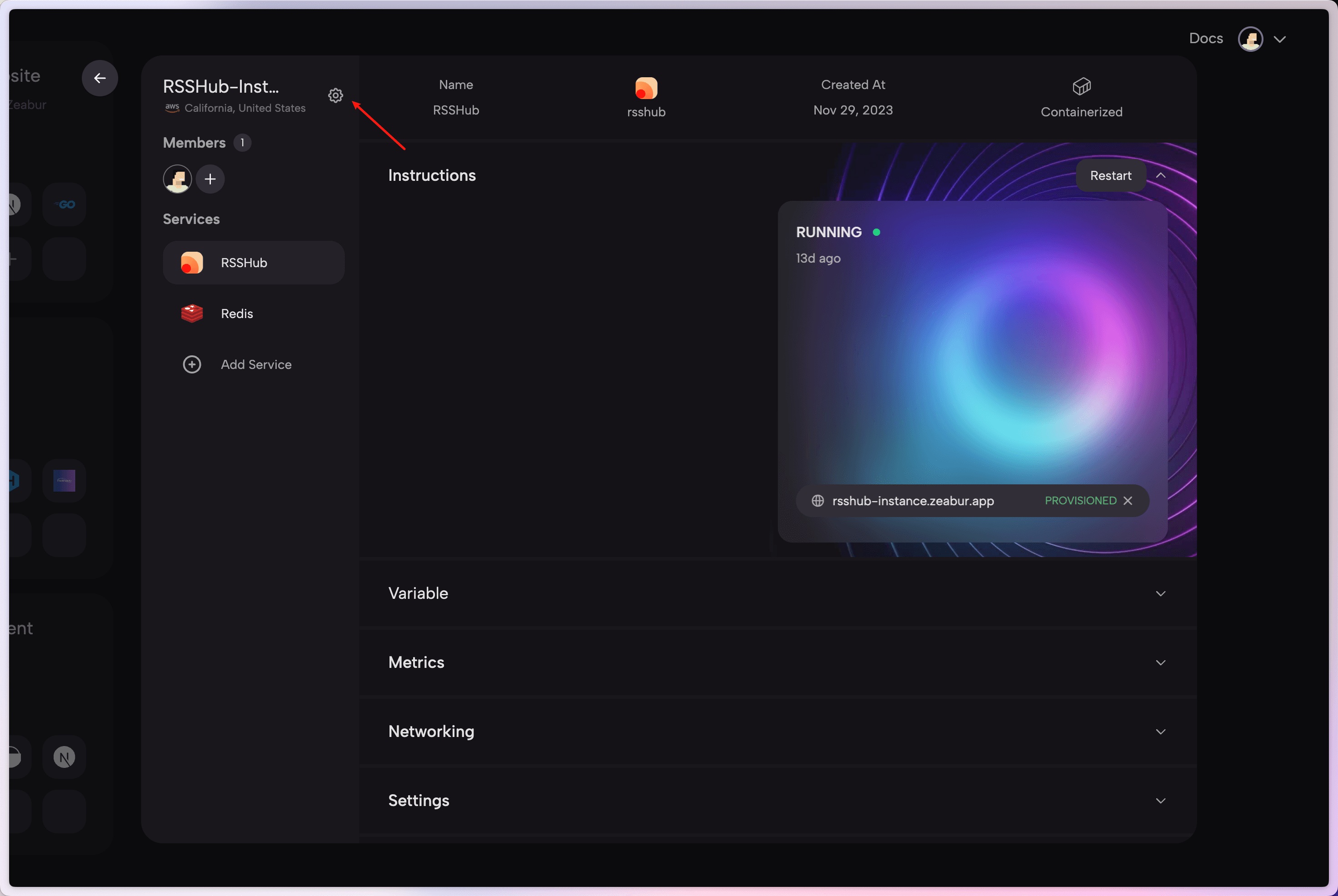
Click Deploy to start. If you need to adjust environment variables, head to the “Configuration” tab.
Path 3: Deploy with the AI Assistant
Not sure what to do? Just tell Zeabur’s AI Assistant what you need in plain language.
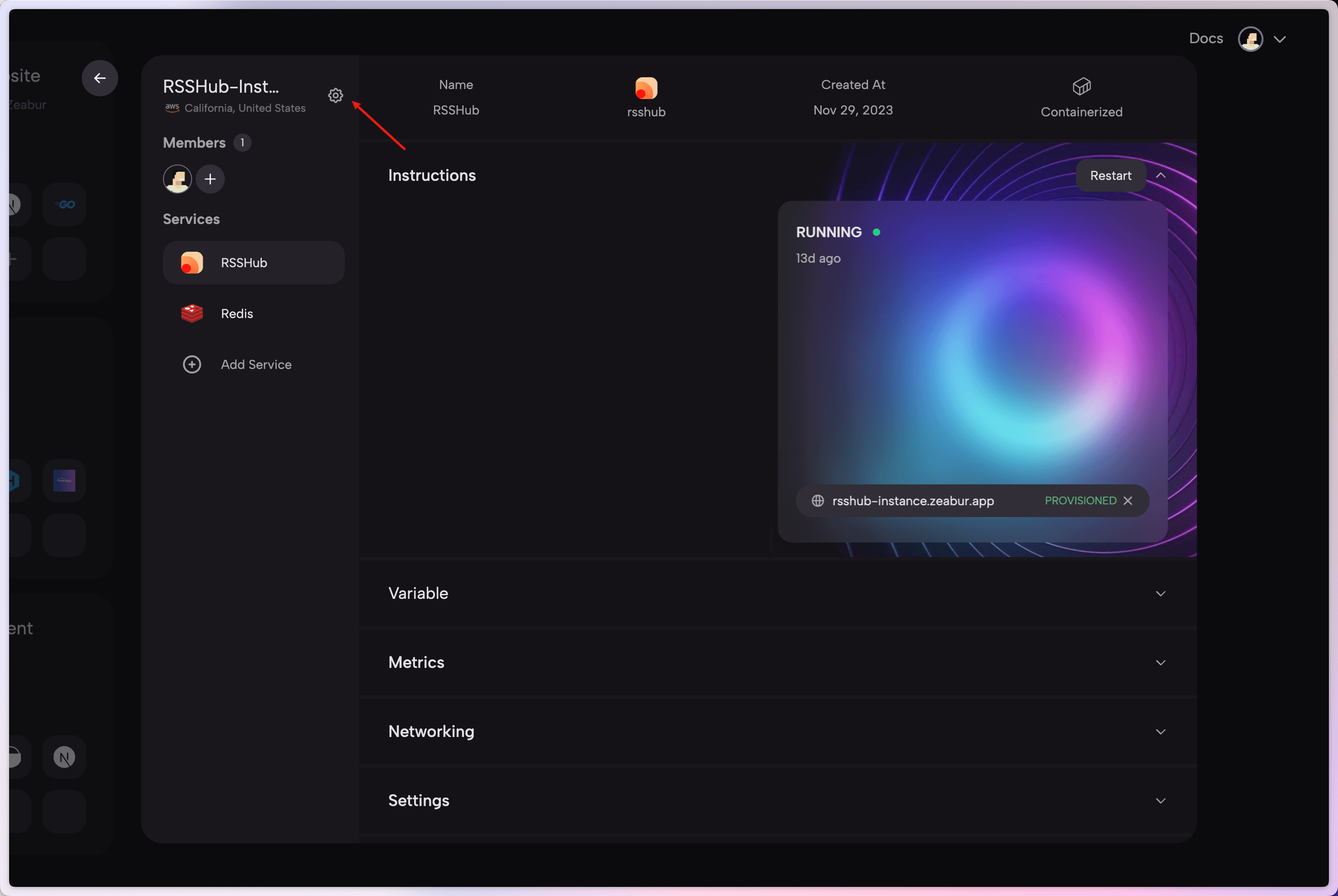
Click Agent in the navigation bar to start a conversation. For example:
- “Deploy a PostgreSQL database for me”
- “I want to set up a WordPress blog”
- “Deploy my next-app repo from GitHub”
Bind a Domain to Go Live
Once your service is deployed, go to the Domains tab to bind a domain.
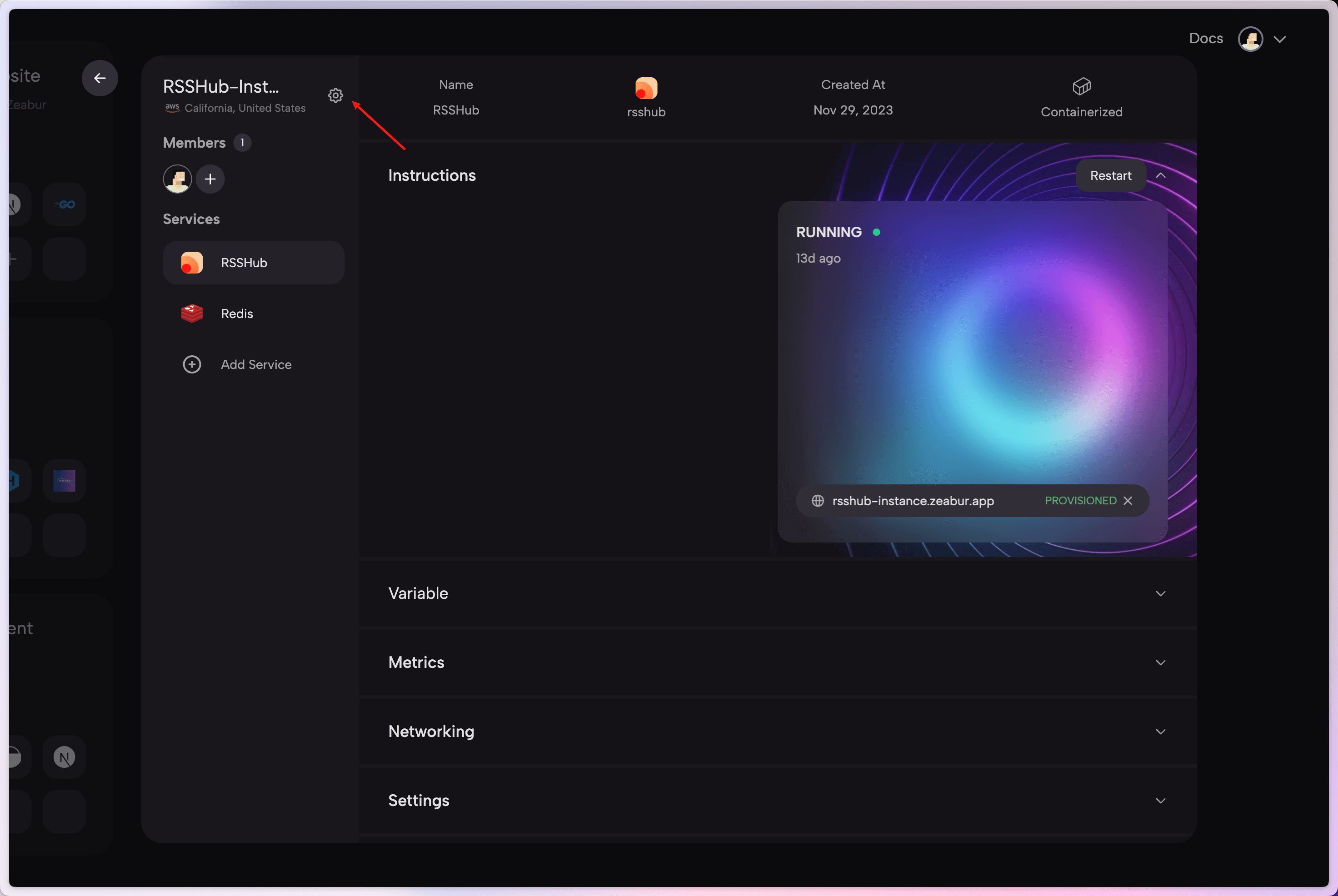
- Zeabur provides free
.zeabur.appsubdomains for quick testing. - You can also bind your own custom domain — Zeabur handles HTTPS certificates automatically.
- For detailed setup, see the Domain Binding guide.
What’s Next
Congratulations on your first deployment! 🎉
- Start by Need — Find the best path for your use case
- Platform Overview — Understand Zeabur’s core capabilities
- How Deploys Work — Deep dive into the deployment pipeline
- Environment Variables — Configure your app’s environment
- Zeabur community forum — Need help? Join our community